How do I set up timesheet generation?
1. Go to the system settings by selecting the settings icon shown in the top right corner of the screen.
Changes to settings affect the entire system and affect the accounts of all its users.

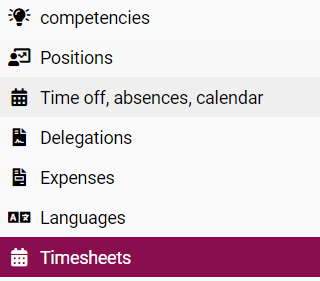
2. In the modules visible on the left-hand side of the panel, select TIMESHEETS.
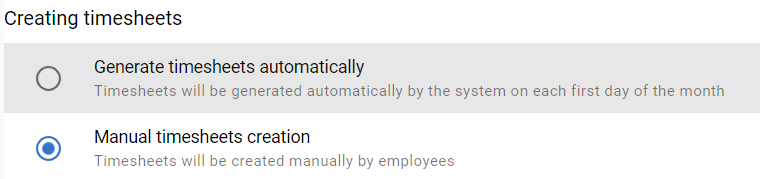
Check GENERATE TIMESHEETS AUTOMATICALLY to have the system generate them automatically on the first day of each month.
If time cards are to be created manually by employees, select MANUAL TIMESHEETS CREATION.
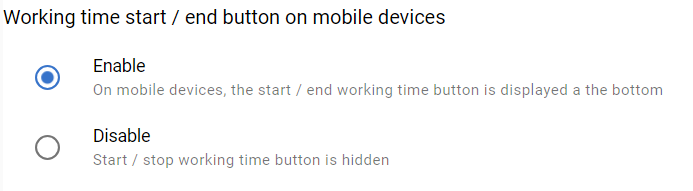
3. Select and tick whether you want to set the display of the button for start and end time on mobile devices.
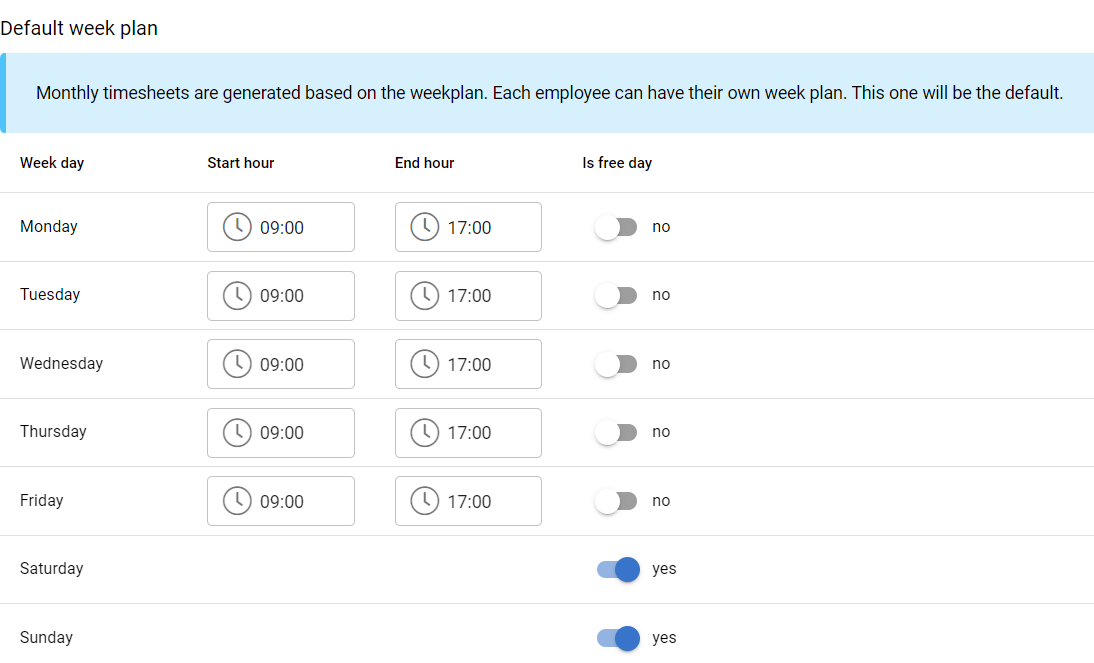
4. Set a default weekly work schedule. Enter the start and end times and mark the days off.
Each employee can have their own schedule. This one is set by default when a new employee account is created.
5. If applicable, set the start time of the night shift.

Czy ten artykuł był pomocny?
To wspaniale!
Dziękujemy za opinię
Przepraszamy, że nie udało nam się pomóc!
Dziękujemy za opinię
Wysłano opinię
Doceniamy Twój wysiłek i postaramy się naprawić artykuł