How to create a Timesheet?
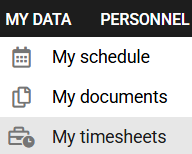
1. In the MY DATA tab, select the MY TIMESHEETS module.
2. In the ALL TIMESHEETS tab, click the CREATE NEW TIMESHEET button visible on the right side of the panel.
 3. Select the year and month for which you want to create a timesheet and select CREATE.
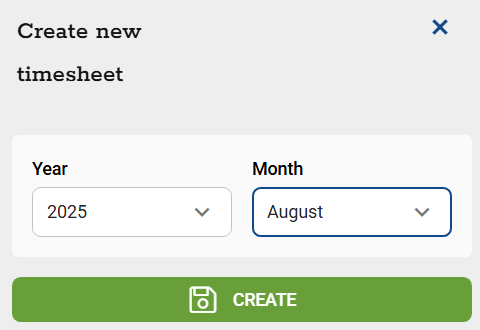
The card will be created and displayed in the list in the ALL TIMESHEETS tab.
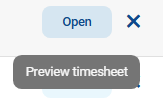
4. To view a timesheet or edit working hours (if your supervisor has given you such permissions), select the timesheet from the list in the ALL TIMESHEETS tab or click OPEN (Card Preview) visible on the right side of the panel.
5. If you want to send the Timesheet to your supervisor, select the SUBMIT FOR APPROVAL button at the bottom of the sheet below the summary of your monthly working hours.
Once submitted, the card is locked and forwarded to your supervisor for approval.
6. You can unlock the submitted timesheet for editing if it has not yet been approved. To do so, select UNLOCK CARD. Make changes and resubmit the card for approval.
Czy ten artykuł był pomocny?
To wspaniale!
Dziękujemy za opinię
Przepraszamy, że nie udało nam się pomóc!
Dziękujemy za opinię
Wysłano opinię
Doceniamy Twój wysiłek i postaramy się naprawić artykuł