How do I manually report overtime in the system?
*Depending on the system configuration, overtime hours may be calculated automatically or added manually.
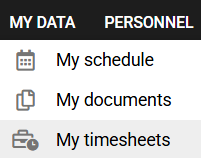
1. In the MY DATA tab, select the MY TIMESHEETS module.
2. In the CURRENT TIMESHEET tab, select REPORT in the Overtime column on the selected day.

3. Enter the overtime hours and click SAVE.
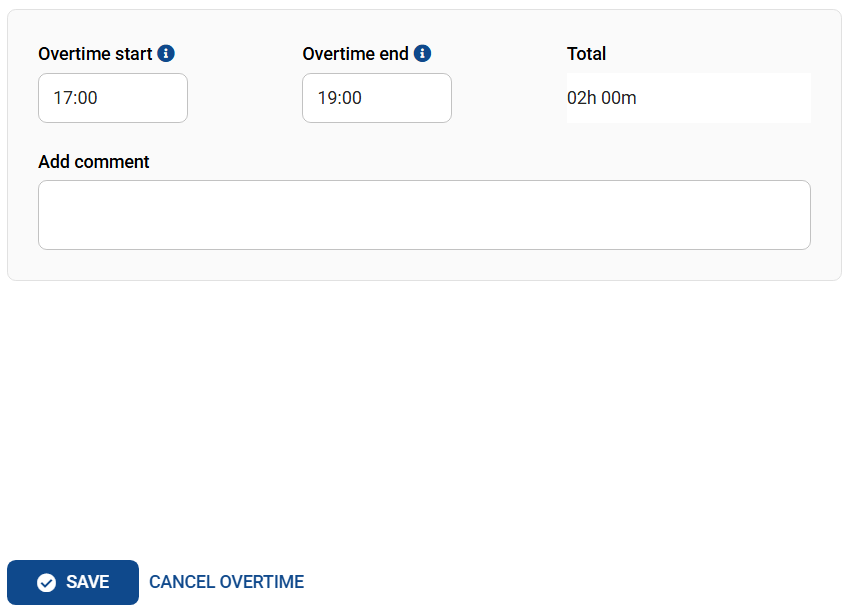
If required by your company's system administration, the entered overtime hours will await approval from your supervisor.
Czy ten artykuł był pomocny?
To wspaniale!
Dziękujemy za opinię
Przepraszamy, że nie udało nam się pomóc!
Dziękujemy za opinię
Wysłano opinię
Doceniamy Twój wysiłek i postaramy się naprawić artykuł