How do I report an absence?
1. go to the Desktop and click on the I WANT TO SUBMIT -> ABSENCE or REPORT ABSENCE

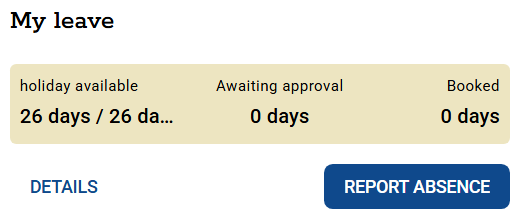
You can also report an absence from the My Schedule module under the MY DATA tab.

2. Select:
- the type of absence you wish to report,
- length of time off,
- if necessary, select from the list who will deputize for you,
- add a note (optional),
- select the file to be attached (optional).
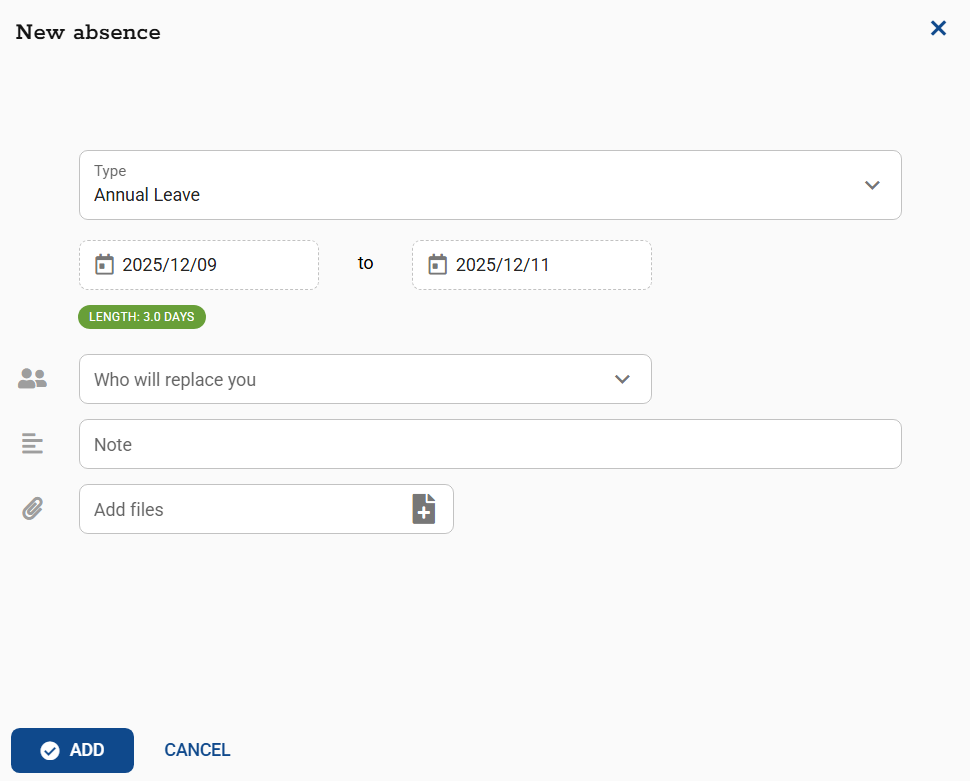
The system will automatically calculate the number of days you are reporting.
It also displays how many days you are entitled to, how many have been claimed and how many are pending supervisor approval.

3. Click ADD to send the request for supervisor approval.
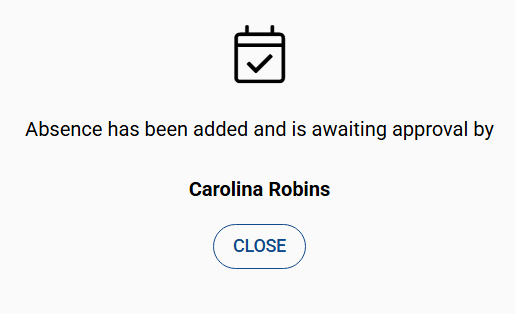
You can check the status of your application in the MY SCHEDULE module.
An application awaiting approval appears on the calendar as a tile with an hourglass symbol.
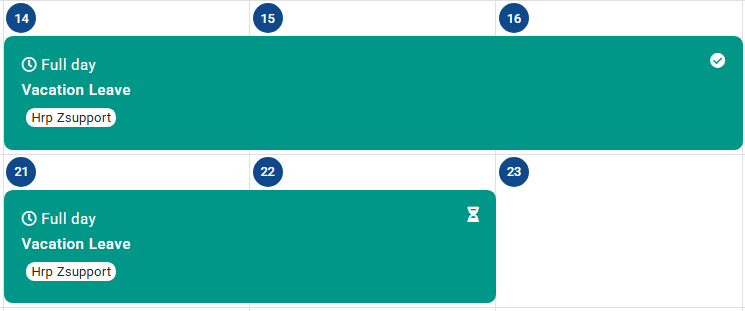
Once the request is approved by your supervisor, its status and icon in the Calendar will change and a notification of the status change will be sent by email to your mailbox.
Czy ten artykuł był pomocny?
To wspaniale!
Dziękujemy za opinię
Przepraszamy, że nie udało nam się pomóc!
Dziękujemy za opinię
Wysłano opinię
Doceniamy Twój wysiłek i postaramy się naprawić artykuł