How do I delete a previously added absence?
*Depending on your system settings, you may not be able to delete absences, or a deletion request will be sent to your supervisor. If you are unable to delete an absence, contact your company administrator.
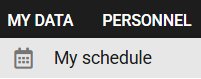
1. Go to the MY SCHEDULE module under the My Data tab.
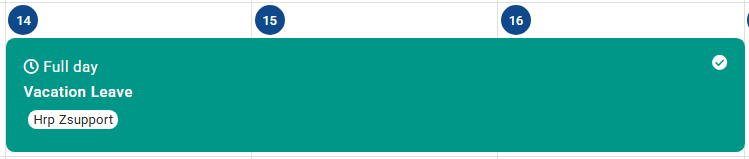
2. Select the absence you wish to delete in the Calendar or Absences tab.
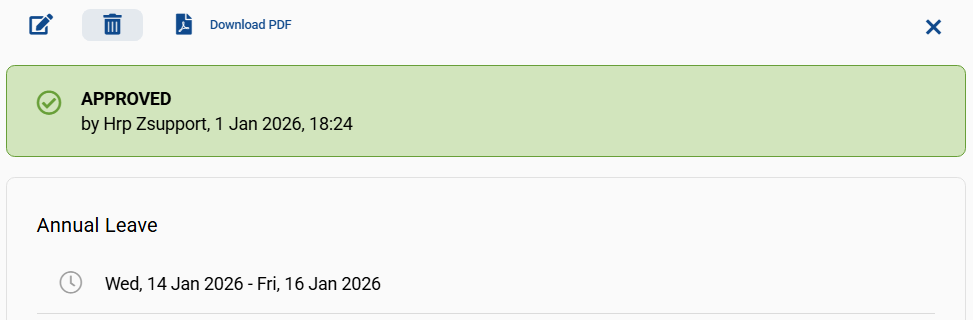
3. Click on the bin icon shown in the top left-hand corner of the absence card.
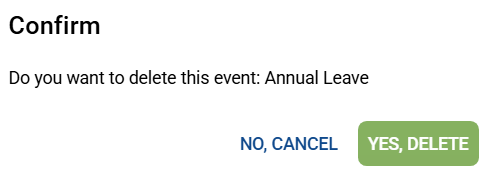
4. Confirm your selection by clicking YES, DELETE.
Czy ten artykuł był pomocny?
To wspaniale!
Dziękujemy za opinię
Przepraszamy, że nie udało nam się pomóc!
Dziękujemy za opinię
Wysłano opinię
Doceniamy Twój wysiłek i postaramy się naprawić artykuł