How do I add an attachment to a previously reported absence?
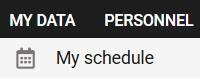
1. Access the MY SCHEDULE module under the My Data tab.
2. Select the absence to which you wish to add an attachment in the Calendar or Absences tab.
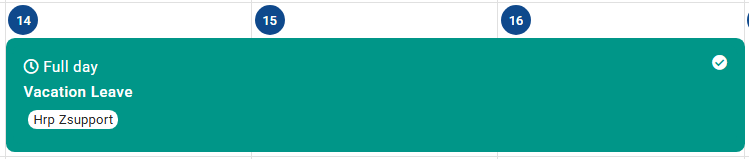
3. Select + or the ADD ATTACHMENT button visible at the bottom of the absence card.

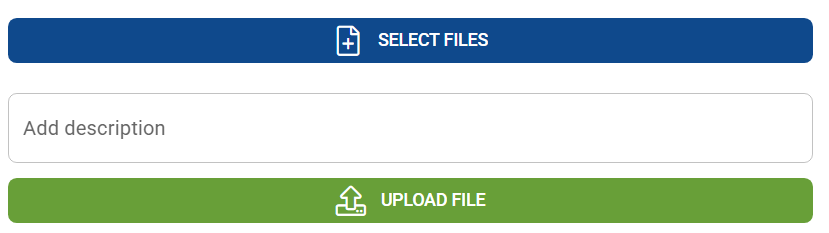
4. Select a file from the disk and click UPLOAD FILES.
Czy ten artykuł był pomocny?
To wspaniale!
Dziękujemy za opinię
Przepraszamy, że nie udało nam się pomóc!
Dziękujemy za opinię
Wysłano opinię
Doceniamy Twój wysiłek i postaramy się naprawić artykuł