How to display absences (both those already reported and those awaiting approval)?
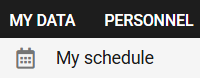
1. Select MY SCHEDULE in the MY DATA tab.
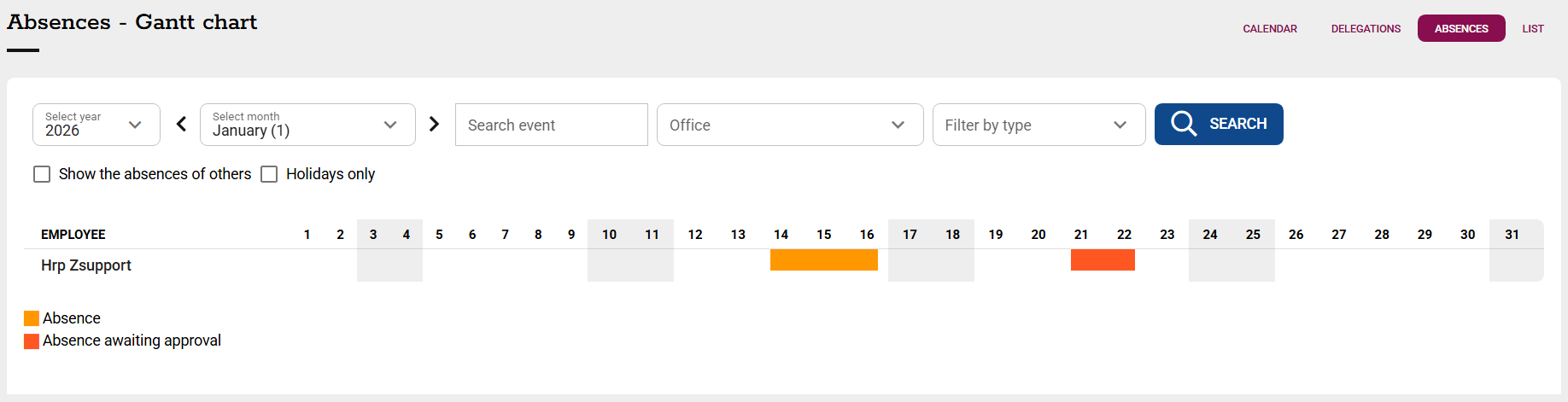
2. A Gantt chart of reported absences will be displayed on the ABSENCES tab. The display can be filtered by:
-dates (month, year),
-name of event,
-offices,
-type of event.
The system differentiates by colour on the chart between absences reported and those awaiting supervisor approval.
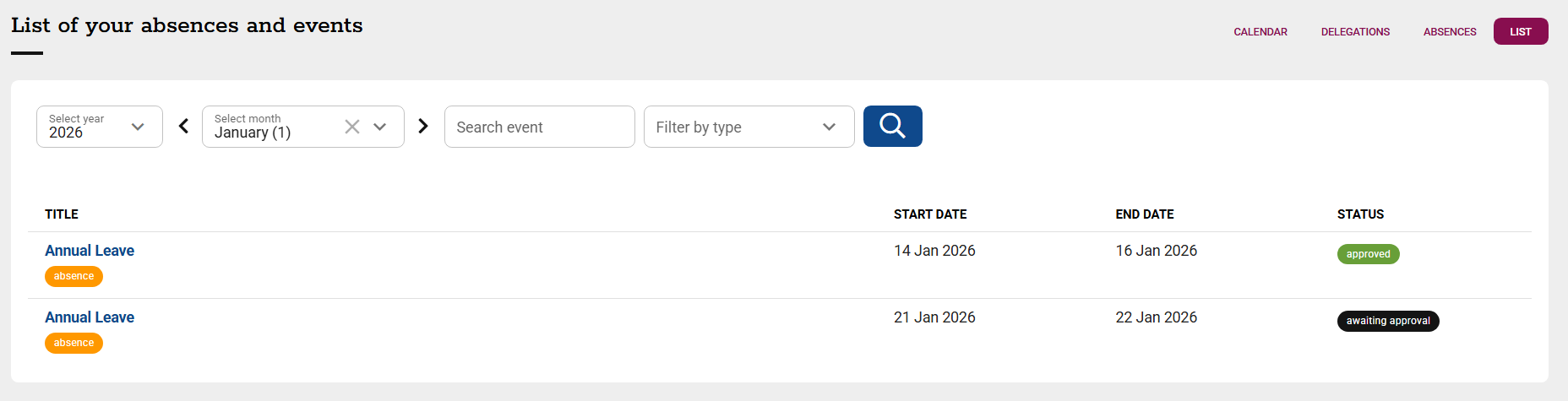
3. The LIST tab will display a list of all reported absences with details of the events:
-type of event (e.g. holiday, business trip, home office),
-start and end dates,
-status (pending/approved/rejected).
The display can be filtered by:
-dates (month, year),
-name of event,
-type of event.
Czy ten artykuł był pomocny?
To wspaniale!
Dziękujemy za opinię
Przepraszamy, że nie udało nam się pomóc!
Dziękujemy za opinię
Wysłano opinię
Doceniamy Twój wysiłek i postaramy się naprawić artykuł