My Documents module contains all the documents in your Employee File. Documents are added by the administration, but you can also upload documents to your account.
*some off the documents may be visible just to administrators
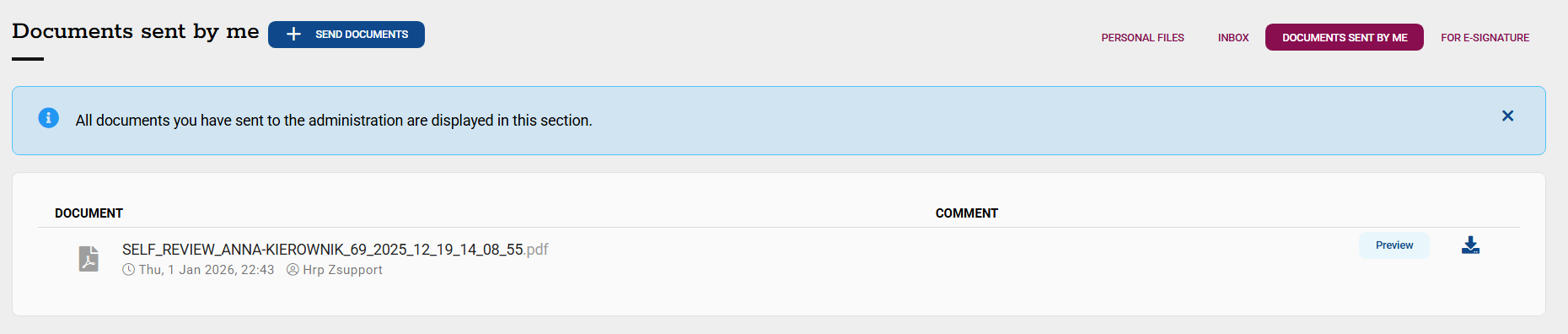
1. To upload documents to your Employee File, go to My Documents and select +Send Documents.

2. You can find the documents you uploaded in the "Documents Sent by Me" tab.
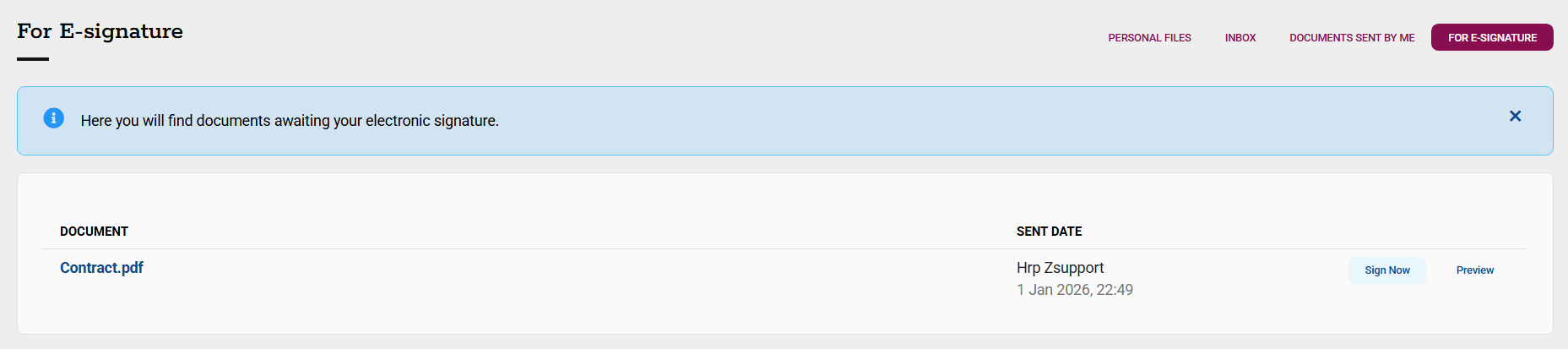
3. In the "For e-Signature" tab, you will find documents that require your electronic signature.
Czy ten artykuł był pomocny?
To wspaniale!
Dziękujemy za opinię
Przepraszamy, że nie udało nam się pomóc!
Dziękujemy za opinię
Wysłano opinię
Doceniamy Twój wysiłek i postaramy się naprawić artykuł