How do I install the mobile version of HR Panorama?
1. Scan the QR code visible on the login page of your company's HR Panorama instance with the camera on your phone or tablet.
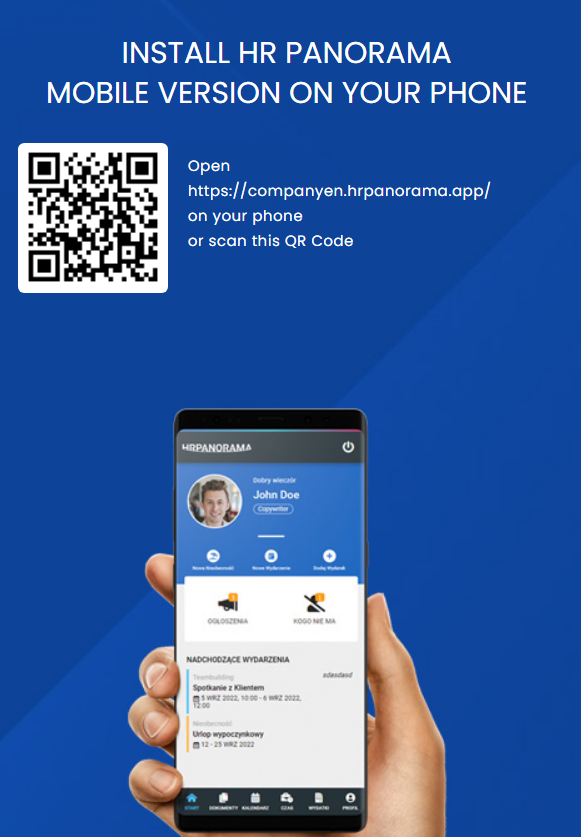
or type the address in your browser: companyname.hrpanorama.app
2. Log in to your account using the email address and password you received in your invitation to the system (or the password you set yourself).
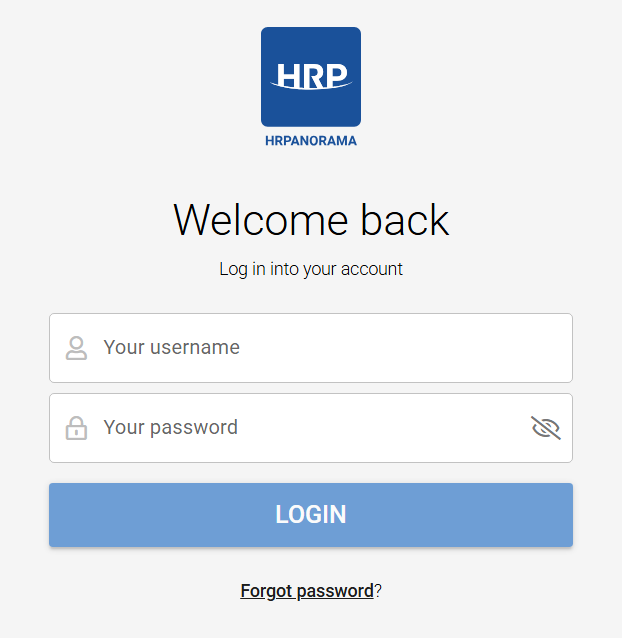
3. If, after logging in, the phone prompts you to install HRP on your phone, confirm that you want to install it and wait for the phone to download the mobile version of the system.
*If the notification does not appear:
-Android system:
go to the browser options and select "Install application"
-The IoS system:
enter the sharing options and select "To start screen"
The HR Panorama web application will be installed on your phone/tablet.
Czy ten artykuł był pomocny?
To wspaniale!
Dziękujemy za opinię
Przepraszamy, że nie udało nam się pomóc!
Dziękujemy za opinię
Wysłano opinię
Doceniamy Twój wysiłek i postaramy się naprawić artykuł