How to enable mandatory two-factor authentication?
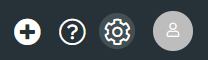
1. Go to the system settings by selecting the settings icon shown in the top right corner of the screen.
Changes to settings affect the entire system and affect the accounts of all its users.
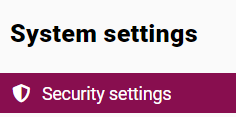
2. From the list visible on the left side of the panel, select the SECURITY SETTINGS module.
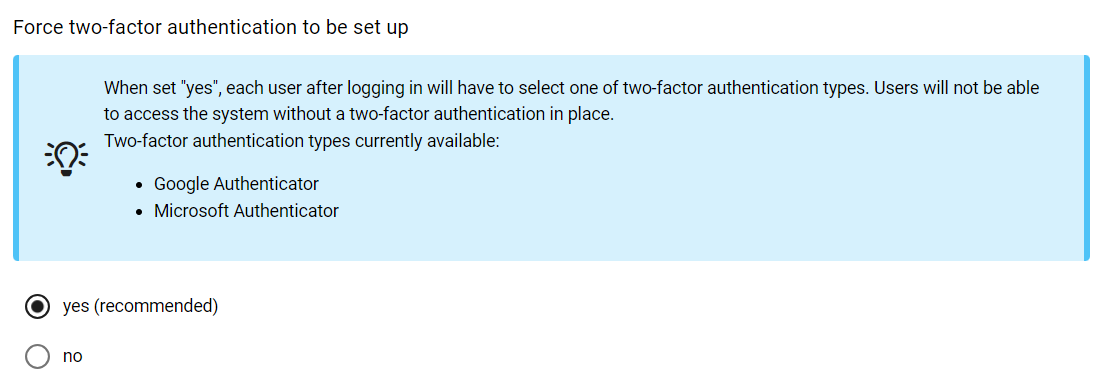
By selecting YES, each user will be required to select one of the two-factor authentication types upon login. Users will not be able to access the system without two-factor authentication.
Currently are available types of two-factor authentication:
Google Authenticator
Microsoft Authenticator
Czy ten artykuł był pomocny?
To wspaniale!
Dziękujemy za opinię
Przepraszamy, że nie udało nam się pomóc!
Dziękujemy za opinię
Wysłano opinię
Doceniamy Twój wysiłek i postaramy się naprawić artykuł